
Are you ready to dive into the world of custom creations but unsure which sublimation printer will set you up for success? We’ve got you covered. Finding the best sublimation printer for beginners can be a game-changer for your creative journey.
Sublimation printing opens up a realm of possibilities. It lets you transfer vibrant designs onto various items using special inks and high temperatures. For those just starting out, affordable sublimation printers that are easy to use can make all the difference.
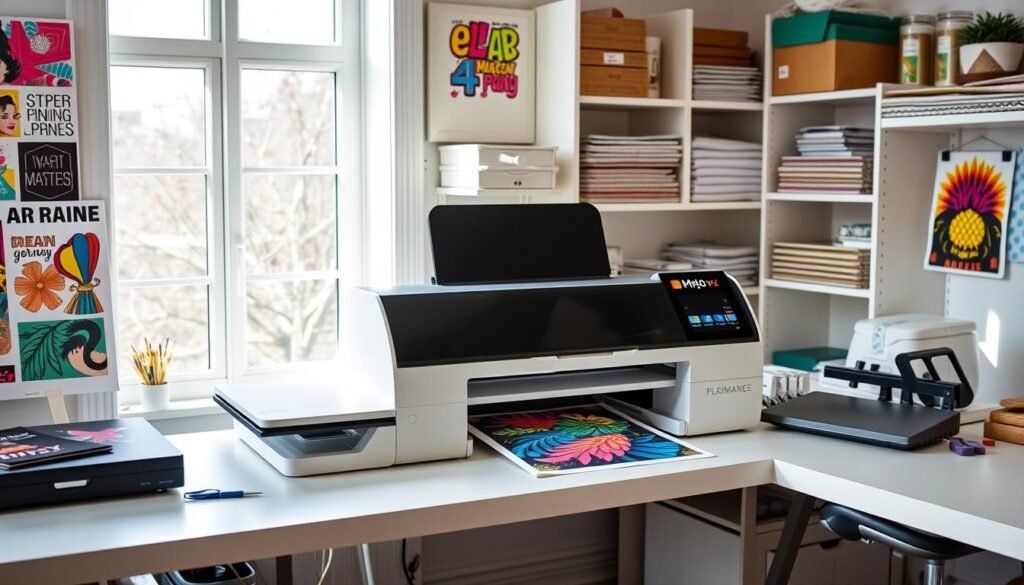
Entry-level sublimation printers come in various forms. The Epson SureColor F170, priced at $420.99, stands out as a dedicated powerhouse with print speeds of up to 60 seconds. For those on a tighter budget, the Epson EcoTank ET-2800 at $199.99 offers an impressive print resolution of 5760 x 1440 dpi.
We’ll explore these options and more, helping you find the perfect match for your creative aspirations. Whether you’re eyeing dedicated models or considering convertible printers, we’ve got the insights you need to make an informed decision. Let’s embark on this colorful journey together!
Introduction to Sublimation Printing
Sublimation printing is a new way to make custom designs on many materials. We’ll look into this cool process and its benefits for newbies. You’ll see why it’s loved by crafters and small business owners.
What is sublimation printing?
Sublimation printing uses heat to put dye on things like polyester, ceramics, and metals. It turns solid ink into gas. This gas then sticks to the material at a deep level. This makes designs bright and lasting, without fading or peeling.
Benefits of sublimation for beginners
For newbies, sublimation has many good points:
- Versatility: Make designs on lots of products
- Durability: Prints don’t fade or crack
- Vibrant colors: Get bright, stunning colors
- Low startup costs: Start with easy sublimation printers
- Endless creativity: Personalize items for fun or business
Applications of sublimation printing
Sublimation printing lets you explore many creative and business ideas. Here are some examples:
| Category | Products |
|---|---|
| Apparel | T-shirts, jerseys, hats |
| Accessories | Phone cases, mousepads, keychains |
| Home Decor | Pillowcases, blankets, garden flags |
| Drinkware | Mugs, tumblers, water bottles |
| Awards | Plaques, medals, trophies |
With the right printer and some practice, beginners can get good at sublimation. Printers like the Sawgrass SG500 and Epson SureColor F170 are great for starting out.
Understanding Sublimation Printer Technology
Sublimation printer technology changes the game in custom printing. It uses heat to transfer dye onto materials, making designs vibrant and lasting. Sublimation printing works great on synthetic fabrics like polyester, and also on ceramics and special items.
The dye-sublimation process starts with a special inkjet printer. These printers use CMYK (Cyan, Magenta, Yellow, Black) colors to make amazing, full-color prints. The quality of the print is measured in dots per inch (DPI). Higher DPI means sharper, more detailed images.
When heated to about 270°F, sublimation ink turns from solid to gas. This gas then sticks to polyester fibers or special coatings. This makes the print a part of the material. The result is designs that don’t fade or wash away, staying bright even after lots of use.
Heat transfer printing takes 50-60 seconds for a polyester shirt. This fast process, along with on-demand printing, makes sublimation eco-friendly and cost-effective. It’s great for both single items and big orders.
To start with sublimation printing, you’ll need:
- A sublimation printer
- Sublimation ink
- Sublimation paper
- A heat press
- Design software (like Photoshop or Canva)
The initial cost might seem high, with starter bundles around $420.99. But, sublimation printing’s versatility and quality make it a good choice for both newbies and pros.
Key Features to Look for in a Beginner-Friendly Sublimation Printer
When looking for a sublimation printer for small businesses, some features are key. We’ll look at what’s important to find a printer that fits your needs and budget.
Print Quality and Resolution
Good prints are vital for sublimation. Look for a printer with at least 1200 x 600 dpi resolution. This means your prints will be sharp and bright. The Epson ET-8550 is a great choice for beginners. It prints color at up to 12 pages per minute.
Ease of Use and Setup
Beginners need a printer that’s easy to use and set up. The Sawgrass SG500 comes with everything you need to start. Look for printers with simple instructions and controls to make your work easier.
Connectivity Options
WiFi is a must for modern printers. It lets you print from anywhere and work from anywhere. The Epson ET-8550 and Sawgrass SG500 both have WiFi and direct connections, making your work more efficient.
Ink System and Cost-Effectiveness
Think about the cost of ink when picking a printer. Some printers may be cheaper upfront but cost more in ink. For example, the Epson ET-8550’s ink costs about $130. The Sawgrass SG500’s ink is around $80. Bulk ink systems can save money if you print a lot.
| Feature | Epson ET-8550 | Sawgrass SG500 |
|---|---|---|
| Max Print Size | 13″ x 19″ | 8.5″ x 14″ |
| Warranty | Not applicable | 2 years |
| Cleaning | Manual | Automatic |
| Device Compatibility | PC & Mac | PC, Mac, iOS, & more |
By looking at these features, you can pick the right sublimation printer for your business. It’s all about quality, ease, and cost.
Best Sublimation Printer for Beginners: Top Recommendations
We’ve looked at many sublimation printers to find the best for beginners. Our picks are reliable and easy to use. They offer great quality and value.
The Epson SureColor F170 is a standout. It’s made just for sublimation and prints better than others. It’s easy to set up and prints up to 8.5 x 14 inches. You need special Epson ink and paper to keep the warranty.
The Sawgrass SG500 is great for those who want top-notch prints. It’s easy to use and has built-in color profiles. It’s fast and perfect for printing on shirts.
If you’re on a tight budget, check out the Epson EcoTank ET-2800. It’s cheap but needs conversion for sublimation. This might void the warranty and cause setup issues.
| Printer Model | Print Quality | Ease of Use | Cost |
|---|---|---|---|
| Epson SureColor F170 | High | Good | Moderate |
| Sawgrass SG500 | Excellent | Very Good | High |
| Epson EcoTank ET-2800 | Good | Fair | Low |
When picking a printer, think about your budget, how you’ll use it, and the quality you want. Each printer has its own benefits for beginners in sublimation printing.
Epson SureColor F170: A Dedicated Sublimation Powerhouse
The Epson SureColor F170 is a top pick for both newbies and pros. It’s a compact powerhouse with amazing features. It’s perfect for starting your sublimation printing journey.
Key Specifications
The Epson SureColor F170 has a high resolution of 600 x 1200 dpi. This means your prints will be sharp and bright. It can handle paper sizes up to A4, great for many projects.
It’s small, measuring 375 x 347 x 187 mm and weighing only 4.6 kg. This makes it easy to fit in tight spaces and move around.
Pros and Cons
The F170 is made just for sublimation printing. It has a bottle ink system that holds 4 x 140ml. This means you won’t need to refill it as often. It’s also small, perfect for small workspaces.
However, it might cost more to start with than other printers.
| Pros | Cons |
|---|---|
| Dedicated sublimation design | Higher upfront cost |
| High-quality prints | Limited to A4 size prints |
| Cost-effective ink system | May require additional accessories |
User Experience and Performance
People love the Epson SureColor F170 for how easy it is to set up and use. It’s a pro sublimation printer that always gives great results. It’s easy for beginners to learn with Epson’s help and the printer’s simple interface.
Sawgrass SG500: Professional-Grade Results for Beginners
The Sawgrass SG500 is a top pick for beginners. It’s a high-resolution sublimation printer that makes stunning prints. With a 4800 x 1200 dpi output, it brings out vibrant colors and sharp details.
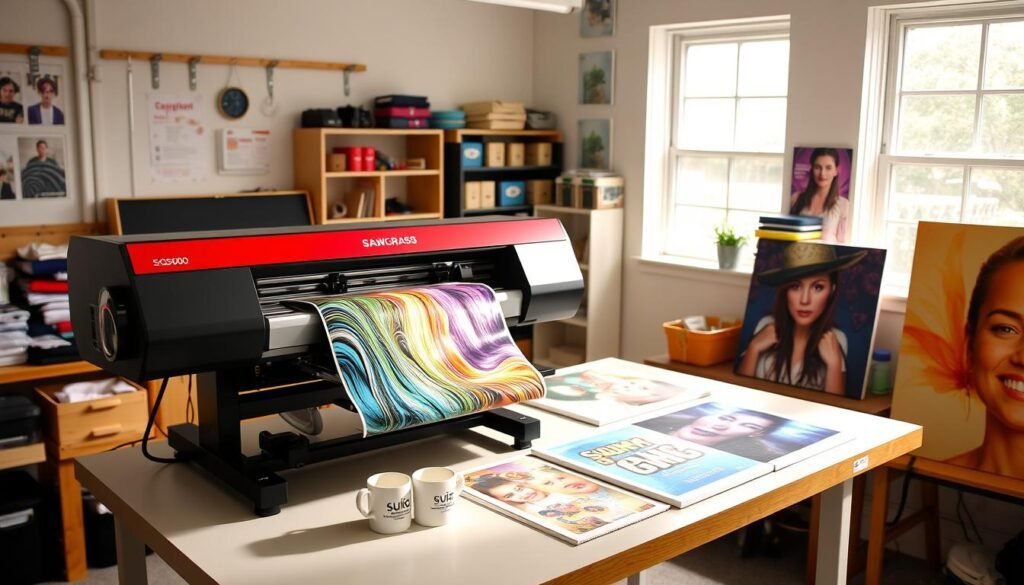
In our review, we saw how versatile the SG500 is. It can print on media up to 8.5″ x 14″ with the standard tray. An optional bypass tray lets you print up to 51″ long. This means you can make bigger designs without losing quality.
The SG500 is easy to use, scoring 4.8 out of 5 in our tests. Its cartridge ink system makes setup and upkeep simple. Sawgrass also gives you their design software, making it great for beginners.
| Feature | Rating |
|---|---|
| User-Friendliness | 4.8/5 |
| Wide Format Capability | 3.5/5 |
| Affordability | 4/5 |
Even though the SG500 gives pro-grade results, ink costs can be high. But, its performance and print quality make it worth it. If you want the best prints and are ready to spend on quality supplies, the Sawgrass SG500 is a great choice.
Epson EcoTank ET-2800: Budget-Friendly Convertible Option
The Epson EcoTank ET-2800 is a great choice for beginners. It’s a budget sublimation printer that’s easy to start with. Let’s explore what makes it special.
Converting an EcoTank Printer for Sublimation
Turning the Epson EcoTank ET-2800 into a sublimation printer is easy. Use a new printer for the best results. Swap the ink for sublimation ink with autofill bottles.
This trick works for any Epson EcoTank model. It’s a budget-friendly option for many.
Performance and Print Quality
The Epson EcoTank ET-2800 has great specs. It prints at 5760 x 1440 DPI, making prints look amazing. It can handle paper up to 8.5″ x 14″.
It’s small (15″ x 7″ x 13.5″) and light (under 9 lbs). Perfect for homes or small businesses.
Cost Considerations
The Epson EcoTank ET-2800 is very cost-effective. It saves up to 90% with ink bottles instead of cartridges. It prints a lot, up to 4,500 black and 7,500 color pages.
It costs about $250, which is half the price of the cheapest sublimation printer. Remember to think about the cost of sublimation ink and paper too.
The review of the Epson EcoTank ET-2800 shows it’s a great choice for beginners. But, converting it might void the warranty. Still, its price and quality make it a favorite for newbies.
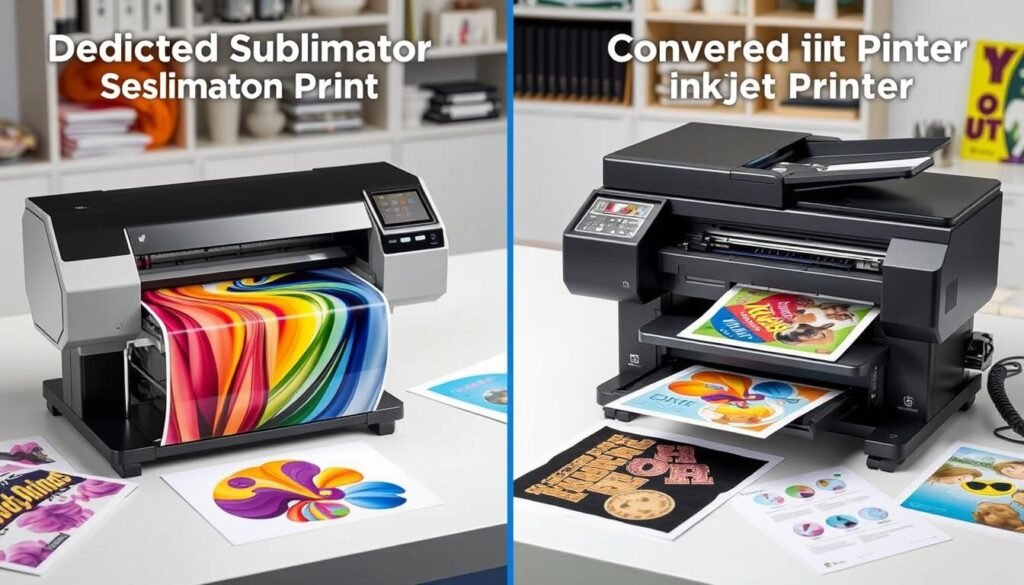
Comparing Dedicated vs. Converted Sublimation Printers
Choosing a sublimation printer means deciding between dedicated or converted. Let’s look at a sublimation printer comparison to guide you.
Dedicated sublimation printers are ready to go right out of the box. They are reliable and give consistent results. The Sawgrass SG500, for example, prints at high resolutions up to 4800 x 1200 DPI. It also has self-maintenance to stop nozzle clogging.
Converted printers, like the Epson EcoTank series, are more affordable. The EcoTank ET-15000 gets 4.5/5 for sublimation print quality and 4.7/5 for wide-format capability. These printers can reach impressive resolutions of 5760 x 1440 dpi.
| Aspect | Dedicated Printers | Converted Printers |
|---|---|---|
| Initial Cost | Higher | Lower |
| Print Quality | Consistent, high-quality | Variable, can be high-quality |
| Warranty | Covers sublimation use | May be voided |
| Ink Cost | Higher (e.g., Sawgrass cartridges) | Lower (e.g., $25 per color for Epson) |
| Software Support | Proprietary software included | Limited or no specialized software |
Your choice depends on your budget, how much you print, and your long-term goals. Dedicated printers are best for consistent, high-volume use. Converted printers are a good start for beginners because they are more affordable.
Essential Accessories and Supplies for Sublimation Printing
To start with sublimation printing, you need the right stuff. Let’s look at the must-haves for your journey.
Sublimation Ink
Sublimation ink is key for printing. It turns into vapor with heat, making designs pop and last long. For newbies, try ink for printers like the Epson SureColor F170. Also, remember, it works best on polyester or fabrics with 65% polyester.
Sublimation Paper
Quality sublimation paper is a must for your designs. You can find it in sheets or rolls for various printers. Try the DyeTrans Multi-Purpose Sublimation Transfer Paper, in packs of 100 sheets. It makes your designs clear and sharp.
Heat Press
A heat press is crucial for putting your prints on objects. It’s the last step in making your projects. For beginners, a flat heat press is easy to use. Don’t forget accessories like heat-resistant tape, gloves, and a Nomex felt pad for even heat.
To get sublimation printing supplies and accessories, check out Amazon, Heat Transfer Warehouse, or Coastal Business Supplies. Sign up for their email lists for deals on heat presses and more. With these tools, you’ll be set to make amazing sublimation prints!